Scheduler - How to align the text in the row header columns 3 years ago.
Is it possible to align the text of the row headers horizontally to right, left or center?
Comment posted by Anonymous3 years ago.
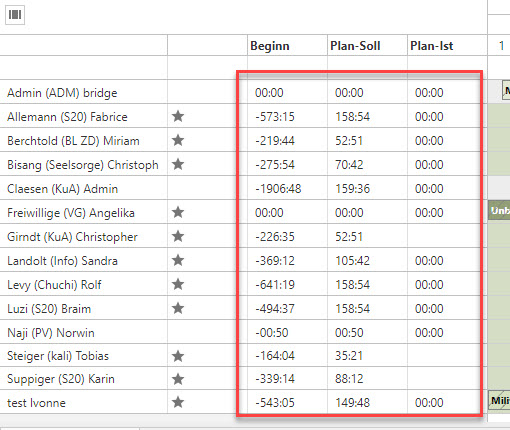
I forgot to attach the screenshot. So, e. g. I want to align the highlighted text in the attached screenshot to the right. Is this possible? If not, maybe with a workaround using CSS?
3 years ago.
You can use onBeforeRowHeaderRender event (https://api.daypilot.org/daypilot-scheduler-onbeforerowheaderrender/ ) to set the horizontal alignment:
onBeforeRowHeaderRender: args => {
  args.row.columns[0].horizontalAlignment = "right";
}
Comment posted by Anonymous3 years ago.
This question is more than 1 month old and has been closed. Please create a new question if you have anything to add.
 DayPilot