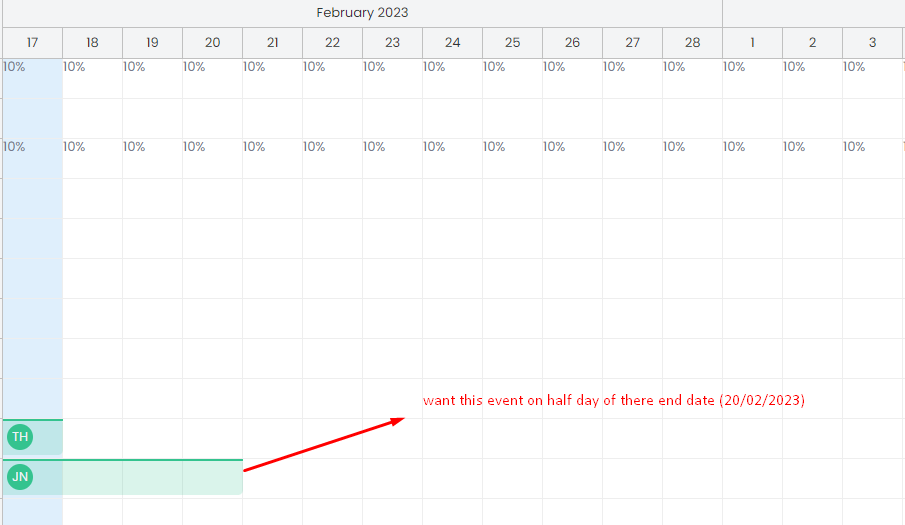
event display Asked by Hardik3 years ago. want to display my event based on date-time in scheduler. how-tojavascriptvuejs screenshot-1.png
Answer posted by Dan Letecky [DayPilot]3 years ago. By default, the Scheduler aligns event boxes with the grid cells. The exact start and end are displayed using the duration bar at the top of the event. You can turn it off using "useEventBoxes" property: https://doc.daypilot.org/scheduler/exact-event-duration/ config = { useEventBoxes: "Never", // ... } With this setting, the events will not be aligned with the grid and the position will be calculated directly from start and end date/time values.
 DayPilot