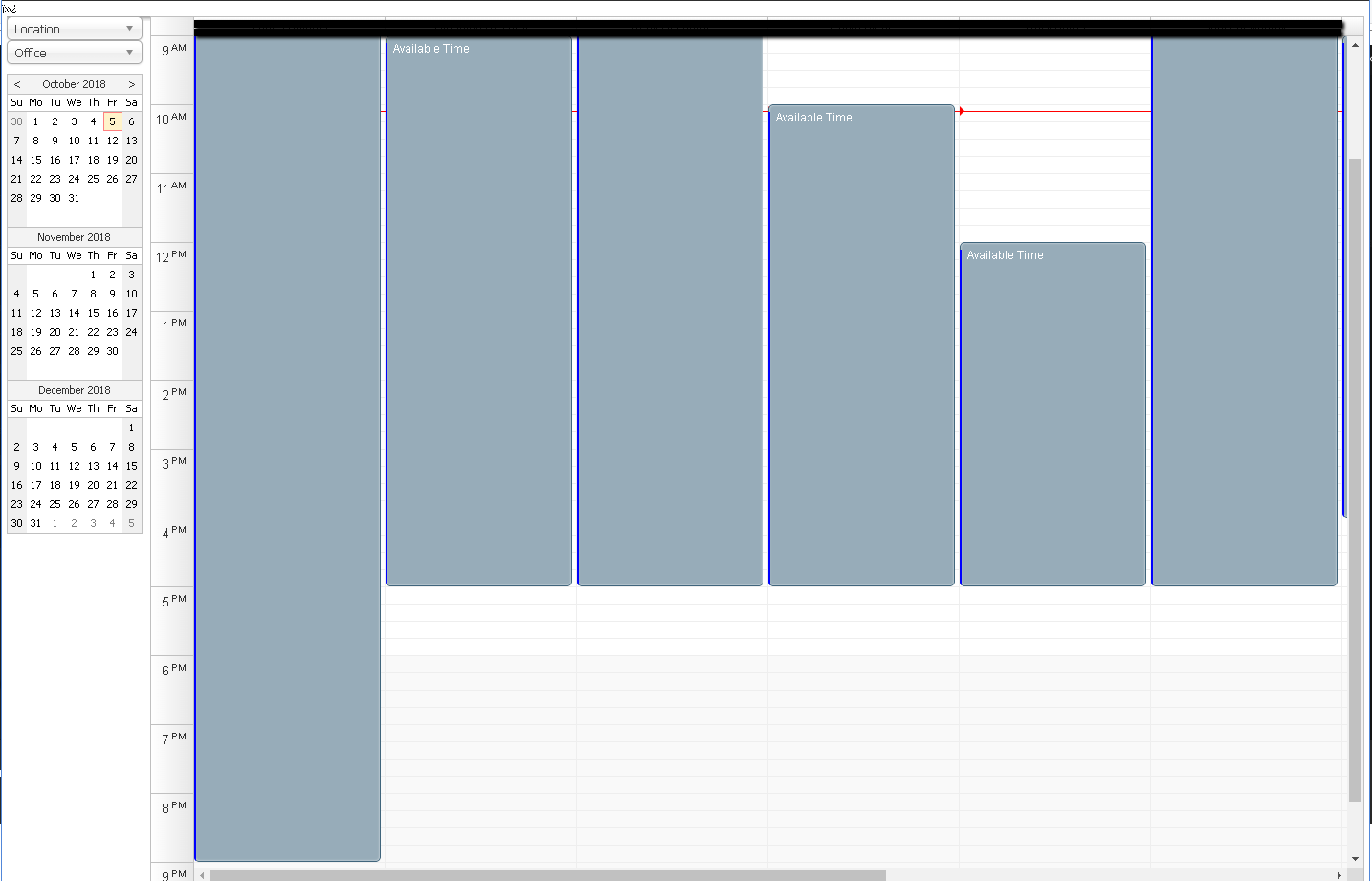
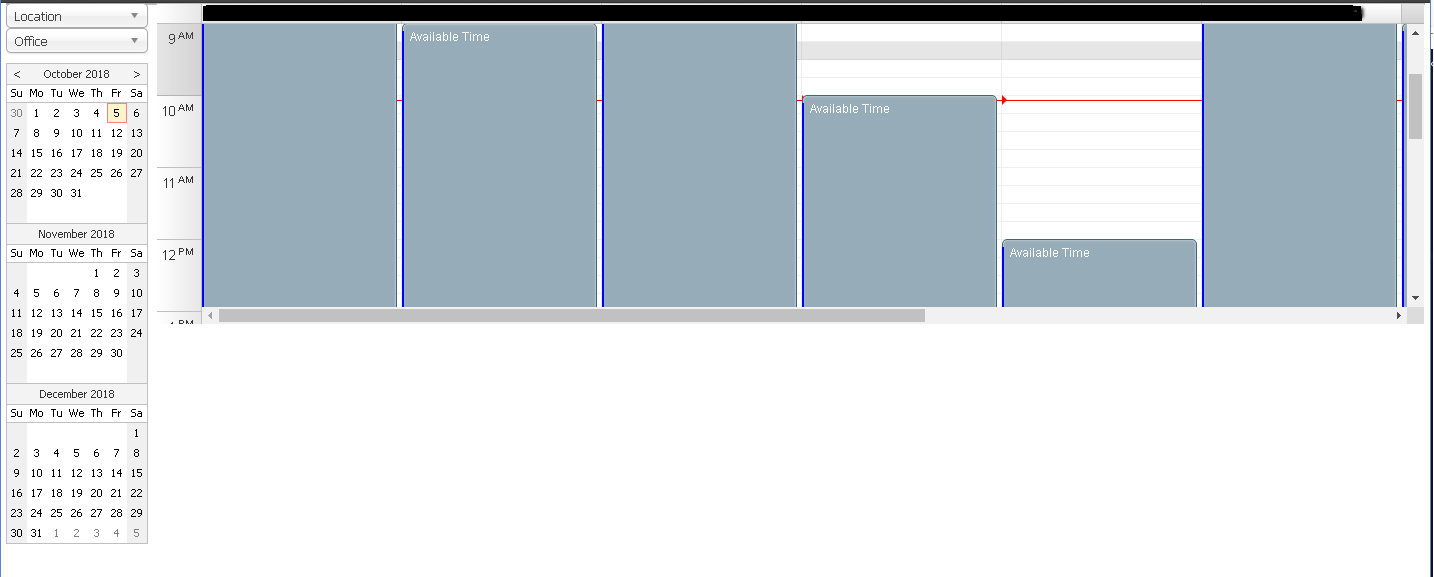
How do I hide the  characters above the calendar? When I save the file as UTF-8 without BOM, then the calendar height doesn't render correctly (the height doesn't render the full height of the browser and instead renders at 300px). Saving as UTF-8 with BOM results in the  characters showing above the calendar, but the calendar height is correct.
No other changes were made in the creation of the 2 screenshots included.
I tested in Chrome and when I removed the BOM from the file and check the mode, I am not in quirks mode (document.compatMode = CSS1Compat).
Our webserver already adds a content-type header with UTF-8 specified and <meta charset="UTF-8"> was also in the HTML head. The calendar still renders with a height of 300px.
I am still working on trying to view a non-ascii character before the doctype.
Do you have any other ideas on why without the BOM it is rendering differently?
Comment posted by Dan Letecky [DayPilot] 8 years ago.
It still looks like the file (I assume it's the HTML page we are talking about) is corrupted in some way. Especially if this is the only page that has the problem.
I'd probably start with an empty file and try to copy the content back piece-by-piece until the problem reappears.
This question is more than 1 month old and has been closed. Please create a new question if you have anything to add.
 DayPilot