Answer posted by Dan Letecky [DayPilot] 1 years ago.
You can use the row filter to hide selected rows in the Scheduler. If you set rowFilterParentsAlwaysVisible to false, the parent rows that don’t match the filter will be hidden as well.
Comment posted by Serryn Frankie 1 years ago.
Hi Dan,
I can’t find the solution with row filter.
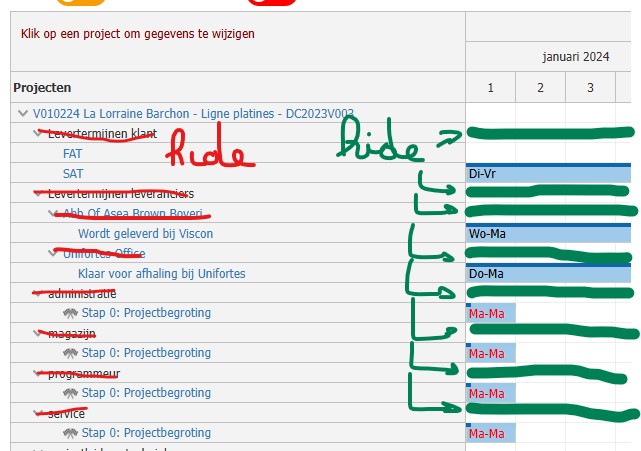
I want for each V……. number to remove the rows
- Levertermijnen klant
- Levertermijnen leveranciers
- magazijn
- programmeur
- service
- projectleider - technieker
- verkoop
- werkvoorbereider
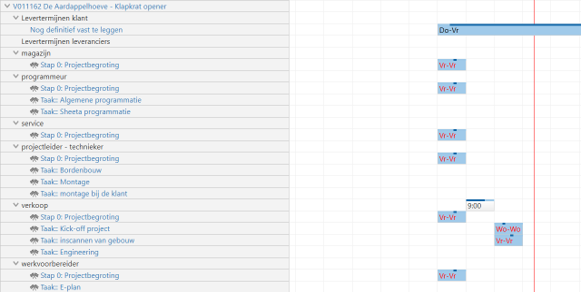
This way all the empty rows are hidden and the events follow each other in a row
 DayPilot